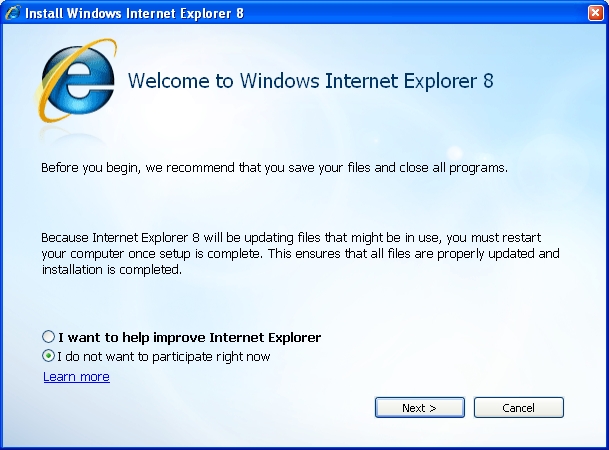
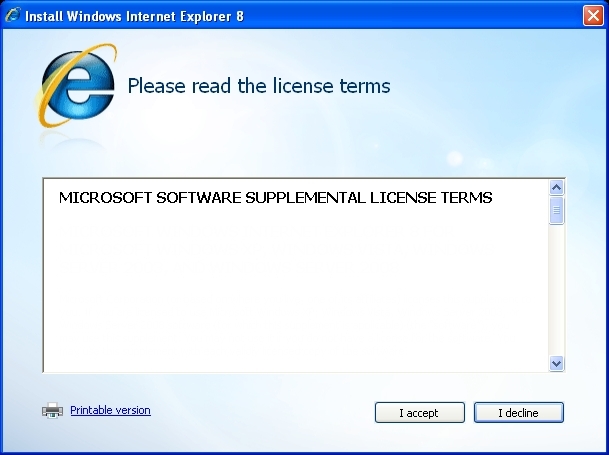
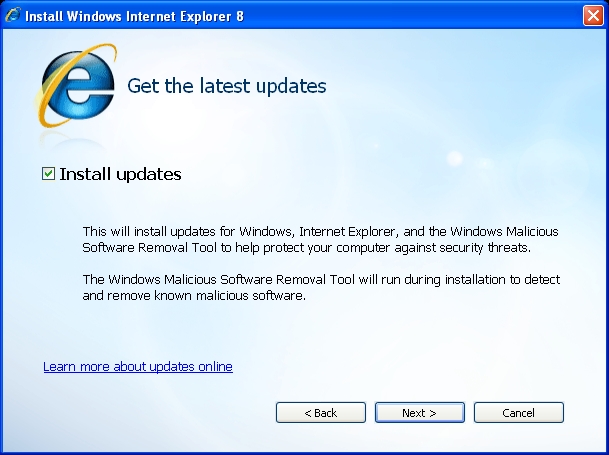
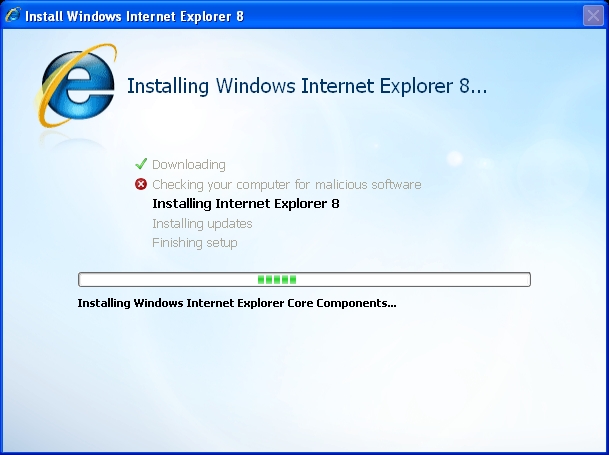
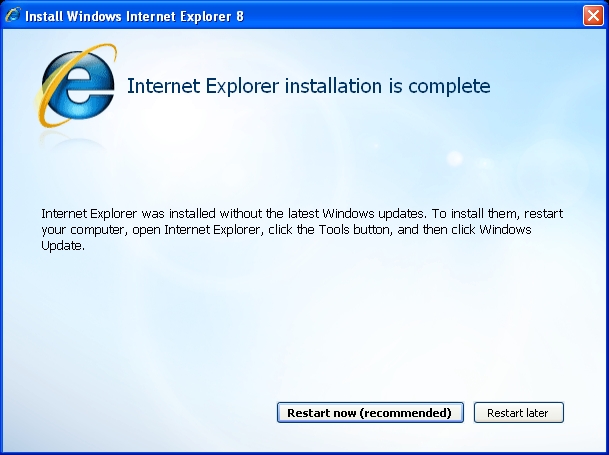
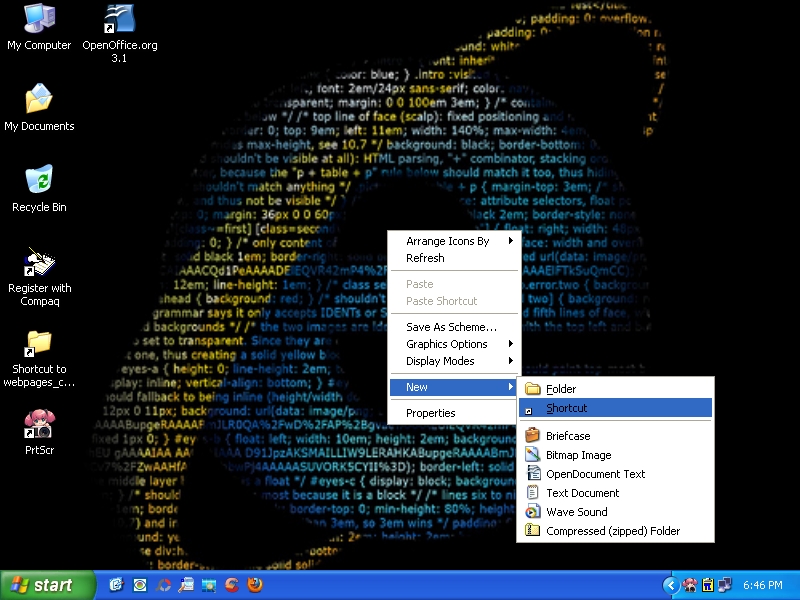
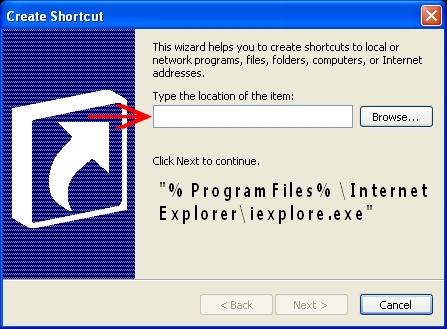
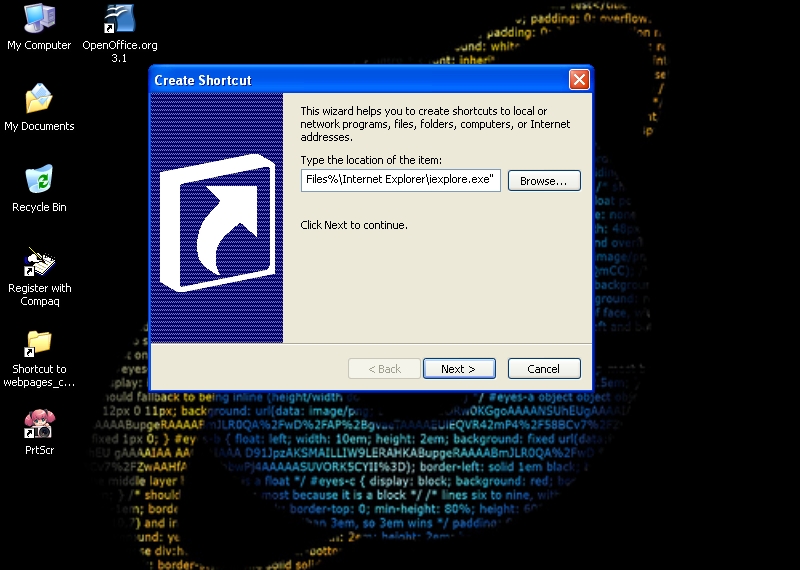
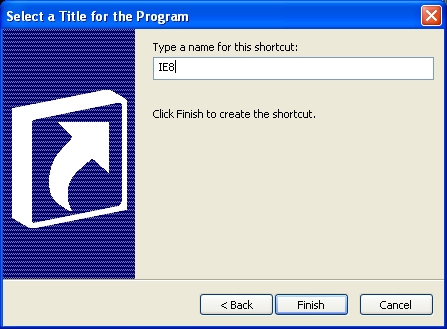
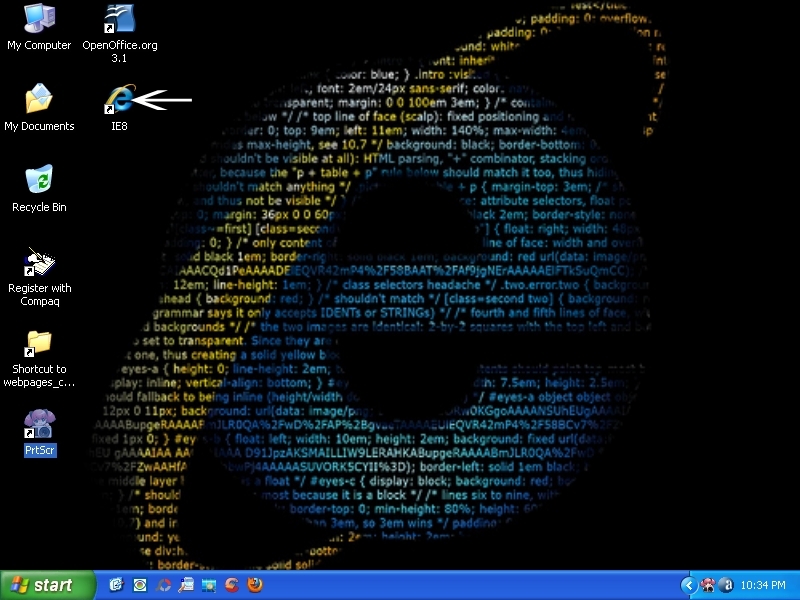
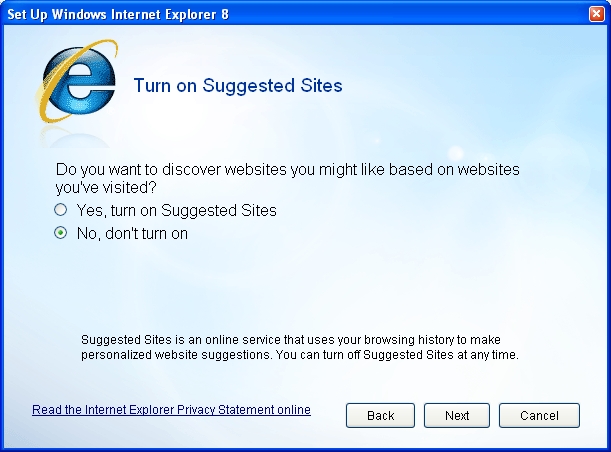
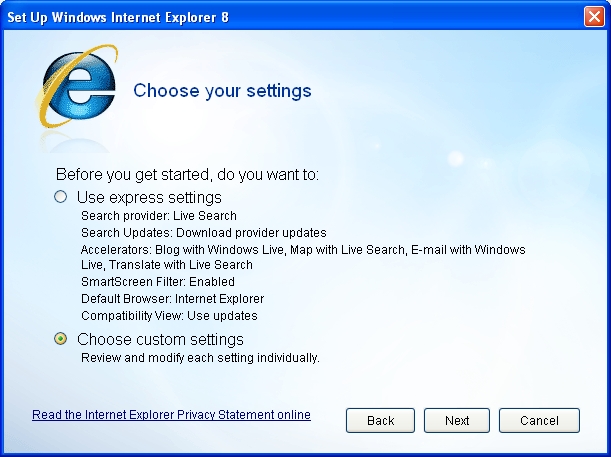
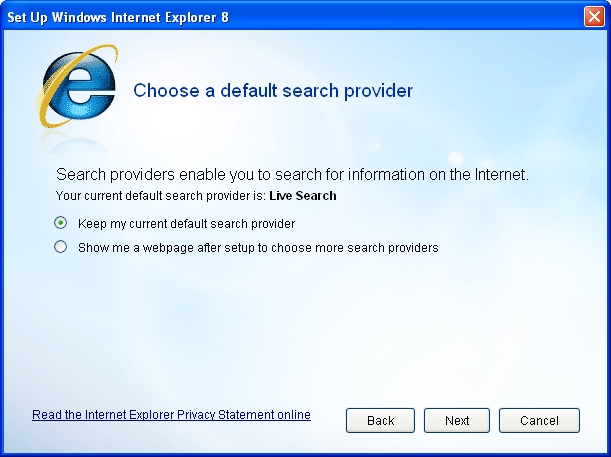
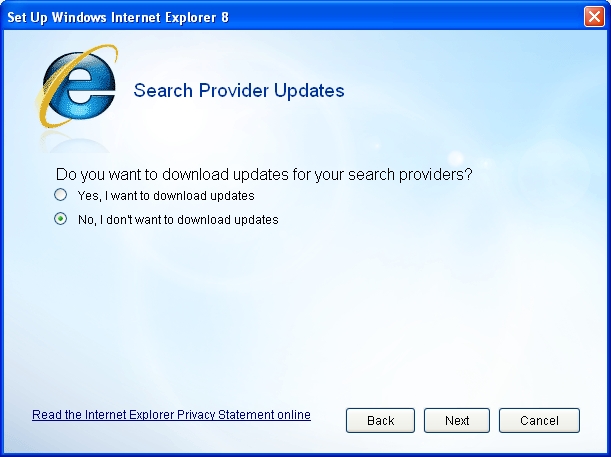
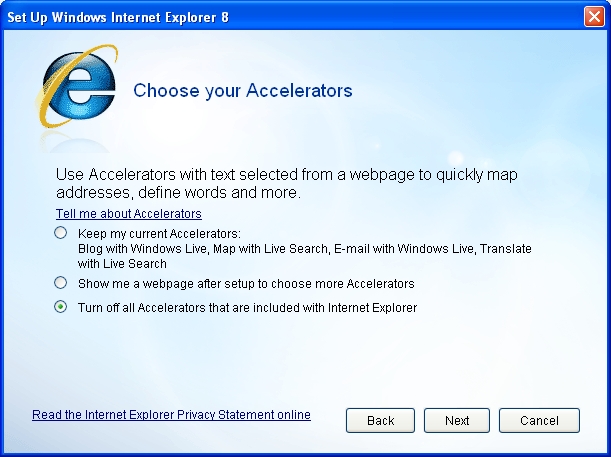
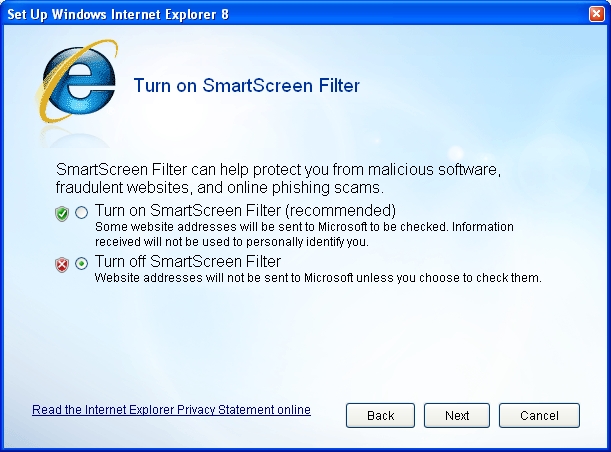
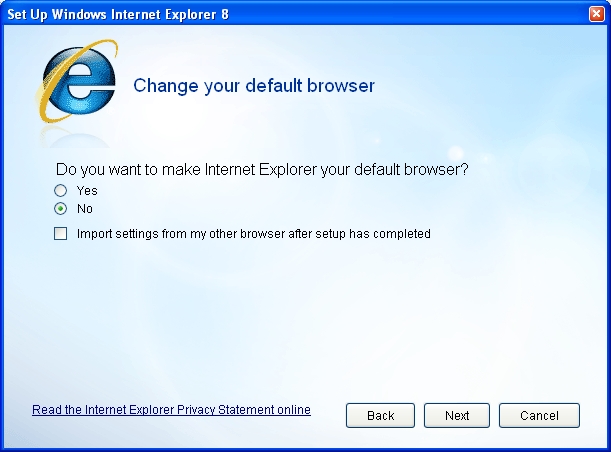
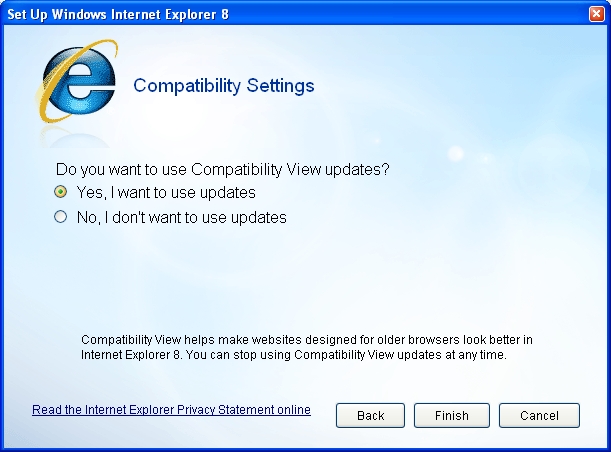
When installing Internet Explorer(IE)version 7 or 8 you must have Service Pack 2(SP2) or 3(SP3) installed. Refer to the clickable images above for installation of this browser, but all choices are at the users discretion. You might notice after the installation of IE 8 there isn't a desktop icon. Right click on the Start menu, select properties, click customize, check Internet and select Internet Explorer, the icon will appear in the start menu. For some reason Microsoft didn't place a working program executable(.exe) file in Internet Explorers program folder. If you decided to make Firefox your default browser the IE icon may disappear from your start menu. Shown in the clickable images below is how you can put an IE shortcut on your desktop.
| Add an IE shortcut to your Desktop |
Note: Installing IE 8 may cause your desktop not to display correctly. If this happens you might consider IE 7 or switch back to your old browser. Remember when downloading and installing software always scan the file with virus software before opening it!
Internet Explorer may be setup by viewing the clickable images above. This is how I setup Internet Explorer, all options are at the users discretion. If you're looking for more information on how to configure IE 8 download the Security Guide.