

Services 
Or type: services.msc into "Run" in the Start Menu.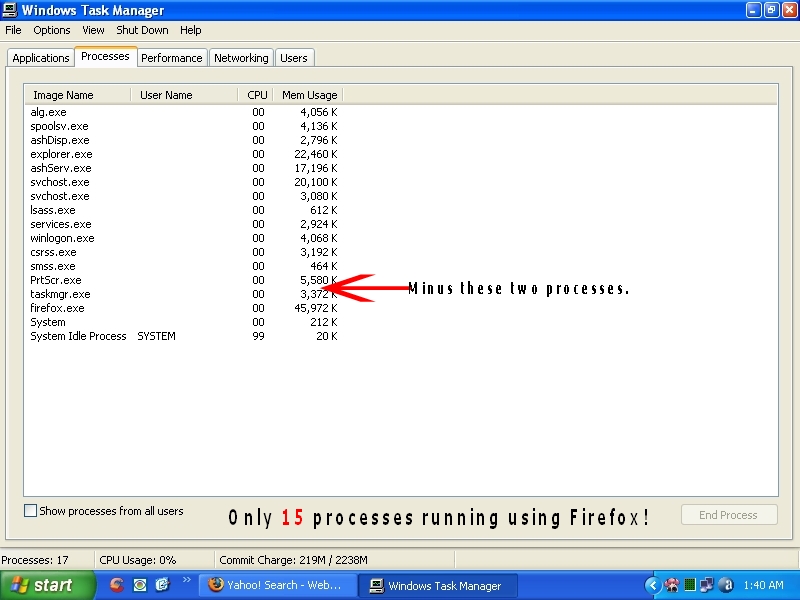
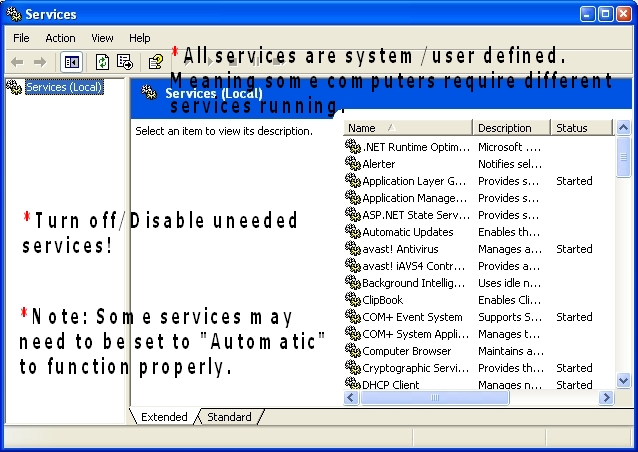
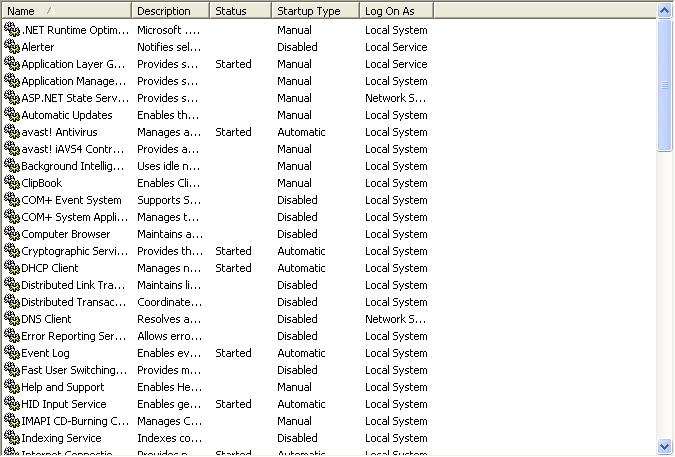
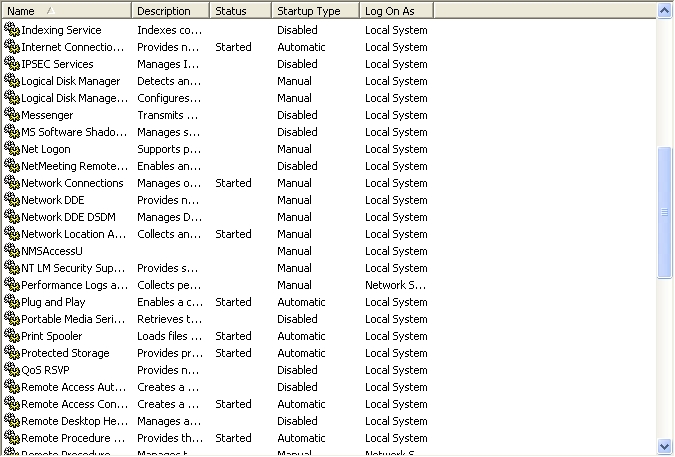
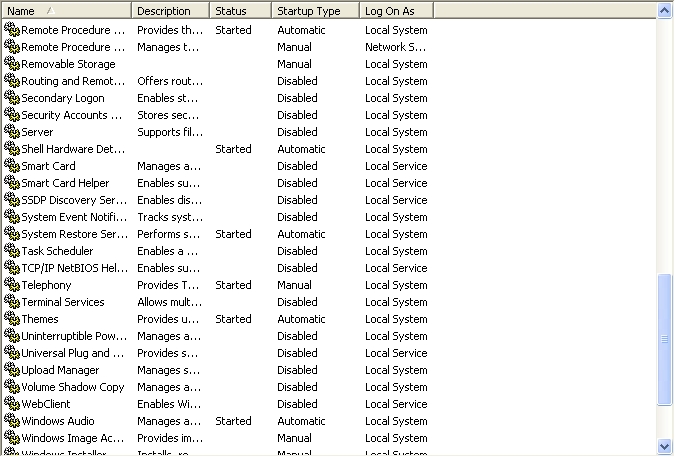
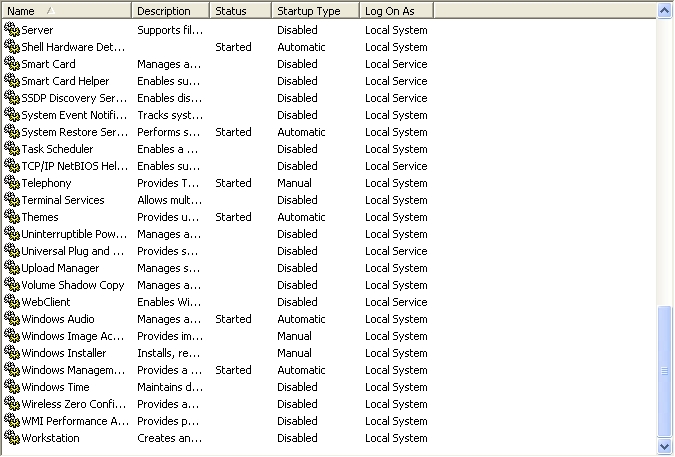
Be advised these settings are for this computer and may not be correct for yours. What's running in Windows Task Manager can be configured in "Services". Look at each service listed and determine the startup type for your computer. The three choices are Automatic, Disabled and Manual. If you choose "Automatic" this means the process starts when Windows boots and "Manual" means the process will start when needed and will save system resources. If you select "Disabled" this means that process won't startup! You may get some processes that won't allow you to change the startup type. By using Safe mode(F8)or hold down the "Alt" button and tapping (F10) you'll be able to change the startup type for that process.
Digital Camera
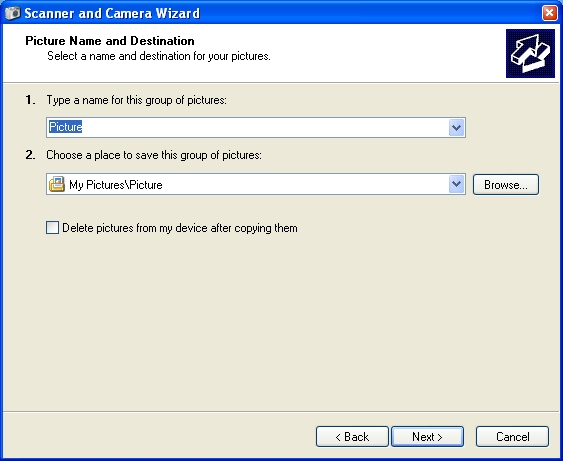
-->Picture Name and Destination-->Name for Group of Pictures-->Choose a Place to save Pictures.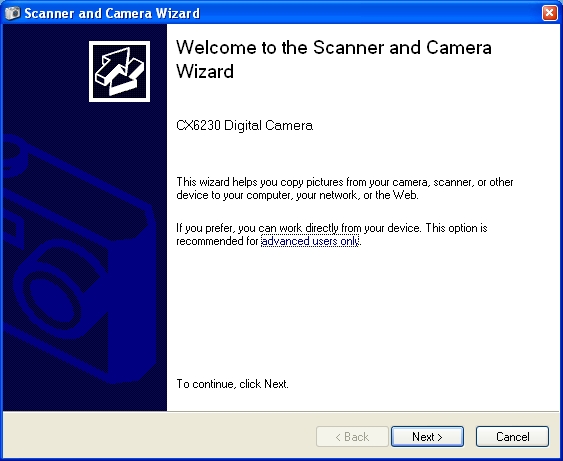
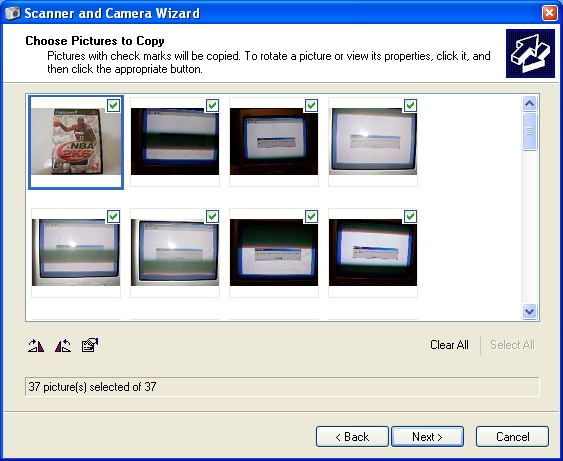
Browsers

Checklist 
Perform the above steps now and periodically except for password reset disk option. Click here for information on recommended computer maintenance. Creating a password reset disk is only needed if you use a password to access your computer.