How to Burn an (.iso) FileHow to Burn an (.iso) File
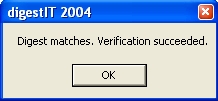
You'll need the software to verify the (.iso) you've downloaded. I just recently found DigestIT 2004 and it can be downloaded here. Until now I used "md5sum" a command line software, but now I've switched to using this windows based software. The reason is simple, it's easy to use and it verifies both types of checksums (MD5 & SHA-1) available today. Remember this rule, all files that are downloaded must be scanned with virus software prior to opening!
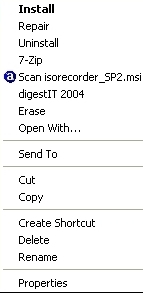
The file has been verified now, so now you need iso recorder to burn the (.iso) to the cd. If you already have burn software that can burn an (.iso)file you don't need "ISO Recorder". This software works as an Windows Explorer shortcut, the same way as digestIT 2004. If you want to install or use either program all you have to do is right click the file and choose your option. (See image)
 Download ISO Recorder
 Windows
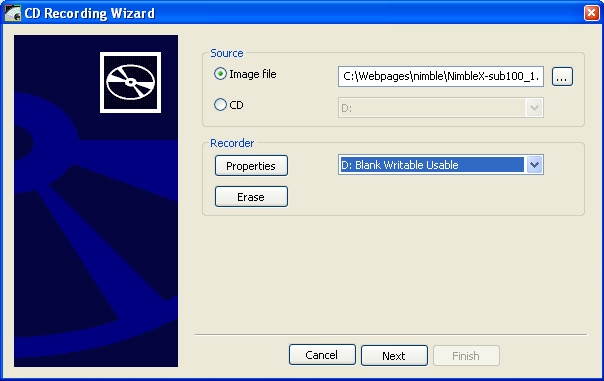
Now that you have the needed software you are ready to burn your cd.
 Good job, now you can burn any .iso file!